
Reusable QR signs for real estate agents
One QR code. Any destination.
Keep the sign. Change the link anytime.
 No reprinting
 No replacing
 Reuse on every listing
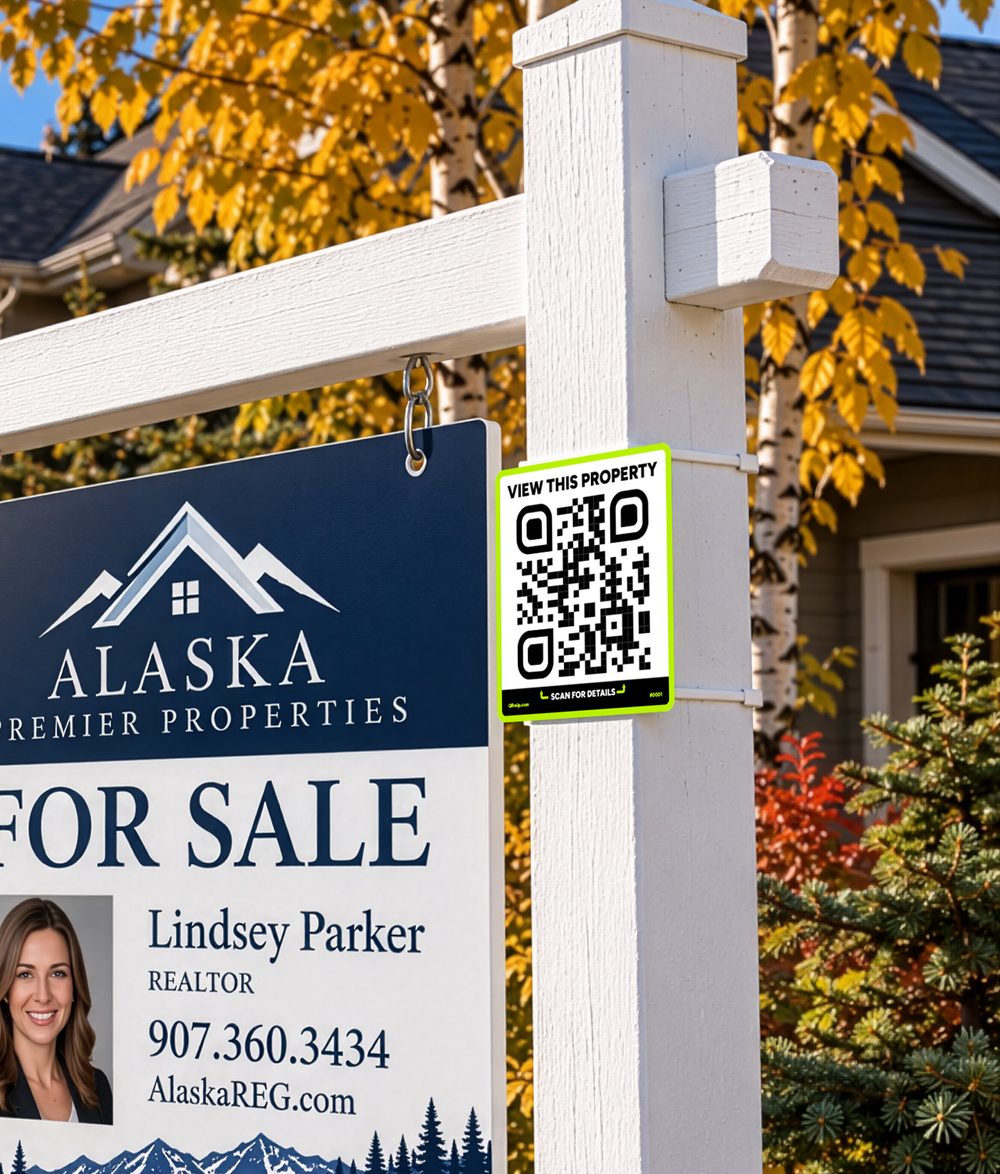
One QRwip. Same sign, new purpose.
The physical QR code never changes. You change where it sends people.
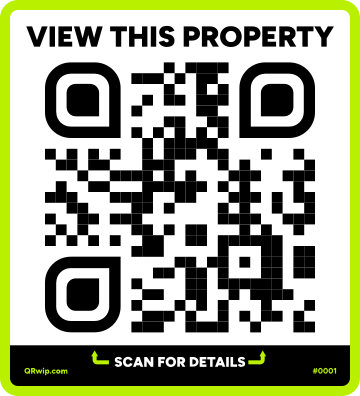 The sign stays the same
Try it: change the destination
Same QR code. New destination. No reprinting.
Everything you need in the box
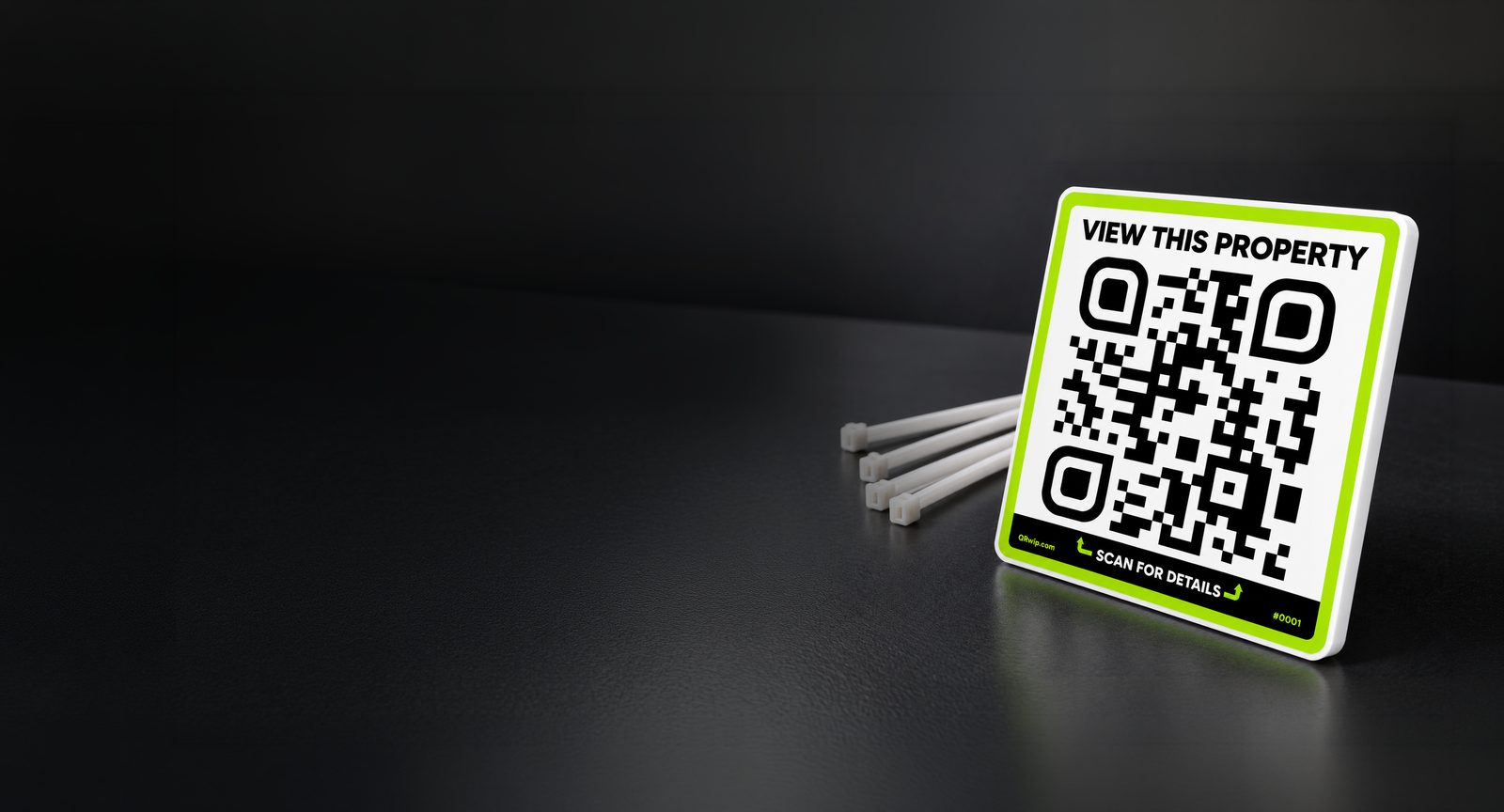
A professional QR sign, ready to display. Durable and built for outdoor use.
Change where your QRwip sends visitors whenever you need to, without replacing the sign.
Your physical code stays the same, even when the destination changes.
Get it, place it, start sharing. Visitors don't need an app.
Get your QRwip
Physical QRwip sign + redirect service for the life of the sign. Early adopter price; regular price is $34.99.
- 1× exterior QRwip signDurable 5" × 5.5" sign with cable ties for mounting.
- Changeable destinationUpdate where your QRwip sends visitors when you need to.
- Reusable QR codeKeep using the same physical code as your destination changes.
Got questions? We got answers.
Can I change where my QRwip sends people?
Yes, anytime, yourself. Your physical QRwip stays the same, and you change where it sends people from your QRwip account. The change is live the moment you save.
Do I or my visitors need an app?
No. Visitors scan with their phone's regular camera, like any other QR code.
Can I use QRwip for something besides real estate?
Yes. We're starting with real estate, but QRwip works anywhere a reusable physical QR code makes sense.
Can I order more than one?
Yes, and the more you order, the less each one costs: 10% off at 5 or more, 15% off at 10 or more, and 20% off at 25 or more. Need QRwips for a whole team or brokerage? Contact us.
Can I get a custom design?
Yes. We can put your logo and brand colors on the sign. Custom designs take a little longer than standard signs, and we'll send you a proof to approve before printing. Contact us for a quote.
How do I change my QRwip's destination?
Sign in to your account with Google or a link we email you, find your sign, paste the new web address, and press Save. There's nothing to reprint and no waiting on us. In your account you can also name each sign, pause it, and see how many times it has been scanned. The first time you sign in, enter the claim code from the card in your box to add your signs.
Get in touch
Are you the agent on a listing with a QRwip sign? Say hello and we'll tell you how it works.